Accessing Remote Database Server from Local PhpMyAdmin Linux 16.04
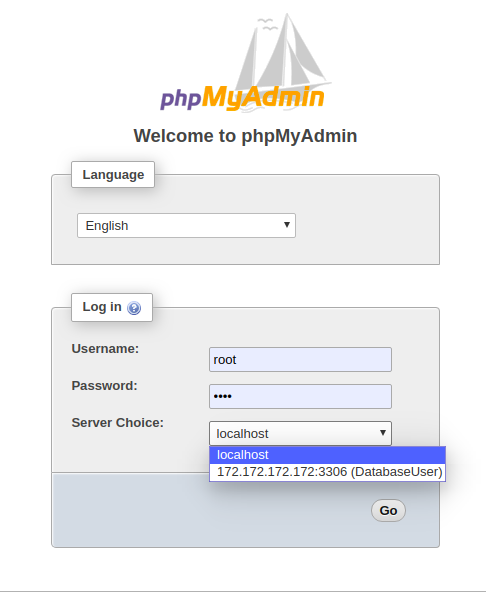
Go to phpmyadmin directory /etc/phpmyadmin/config.inc.php Add the below lines in the config.ini.php at the end $i++; $cfg[‘Servers’][$i][‘host’] = ‘HostName’; $cfg[‘Servers’][$i][‘user’] = ‘UserName’; $cfg[‘Servers’][$i][‘password’] = ‘Password’; $cfg[‘Servers’][$i][‘port’] = ‘3306’ $cfg[‘Servers’][$i][‘auth_type’] = ‘config’; Start the development server php -S localhost:8080 and Enter. Now you can run PHPMyAdmin throughout localhost:8080 in your browser and Go. You...